SaaS applications
Account-based software for recurring business work. Define onboarding, workspaces, user roles, core workflows and the service lifecycle alongside the interface.
Explore SaaS development01 CLOUDRIFT TECHNOLOGY LIMITED
Cloudrift develops SaaS applications, custom software, back-office systems and digital platforms. Connect the user experience to the records, decisions and operations behind it.
APPLICATIONS · BACK-OFFICE SYSTEMS · PLATFORMS

Cloudrift Technology Limited is a SaaS technology and software company. Our work covers new applications, internal administrative tools and platforms connecting customers, partners and operations. We begin with users, business rules and the information that needs to move—not a predetermined feature bundle.
Clear purpose.
Useful software.
Room to improve.
03 DEVELOPMENT SERVICES
Four connected service areas, shaped around your workflow, existing systems and first-release priorities.
Account-based software for recurring business work. Define onboarding, workspaces, user roles, core workflows and the service lifecycle alongside the interface.
Explore SaaS developmentFocused applications for business rules that do not fit a generic tool. Map records, decisions, handoffs and exceptions before defining screens and interactions.
Plan a software projectAdministrative workspaces for users, business records, review queues, configuration and reporting. Make access, record changes and operational ownership clear.
See backend modulesConnected customer portals, partner workspaces and operations consoles. Bring user journeys, application services and system interfaces into one coherent scope.
Explore platform architecture04 CONNECTED PLATFORM
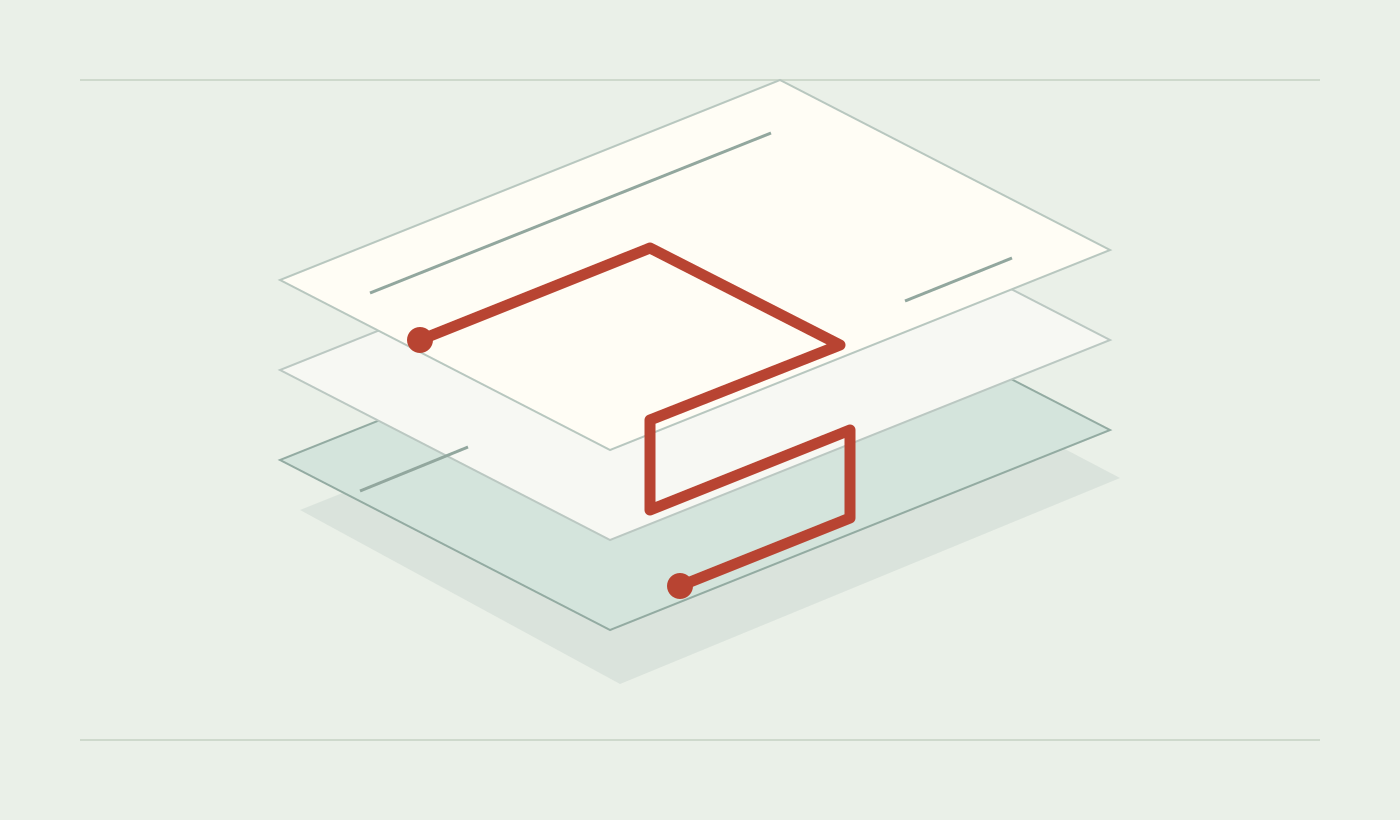
A customer submits a request. An operator reviews it. A partner completes an assigned task. A useful platform keeps the shared record consistent while giving each person the right view and next action.
Define the user-facing surfaces, business rules and underlying services together. Keep existing systems authoritative where appropriate, and make failed updates visible.
See the platform development scope
Record ownership, permissions, validation, notifications and API error handling determine whether a workflow remains understandable when several teams use it.
PROJECT SCENARIOS
Representative project scopes to help frame a discussion. These are examples, not customer case studies.
Customers submit information and supporting documents instead of sending fragmented emails.
Possible scope: Connect submission, validation, review and status updates with a shared request record.
Teams need to assign records, make decisions and return incomplete work for correction.
Possible scope: Define queues, permissions, valid state changes and a history of meaningful actions.
External organizations need limited access to assigned tasks and shared information.
Possible scope: Separate organization membership, shared records and internal administrative control.
A working application has inconsistent data, slow manual handoffs or modules that no longer fit.
Possible scope: Review the current model and dependencies, then prioritize an extension or staged replacement.
05 FROM NEED TO ROUTINE
A project should produce more than screens. Agree the workflow, delivery boundary, acceptance evidence and operating responsibilities so each stage has a clear purpose.

Map the people, inputs, decisions, handoffs, exceptions, and outcome. Include the inconvenient cases, not only the ideal path.
Decide what the software should handle, what remains with people, and which existing systems must stay authoritative.
Consider onboarding, permissions, support, data handling, integrations, and how feedback will be reviewed after launch.
SYSTEM DECISIONS
Four signals from everyday work, and the first question each one raises. Neither answer is automatic.
Duplicate entries, conflicting statuses, or a monthly reconciliation spreadsheet.
Approvals happen by email and the system only records the eventual result.
No staging environment, no rollback, and changes tested against live records.
Spreadsheets run alongside the system because a rule changed years ago.
The decision usually turns on dependency risk, data migration and whether the business can keep operating during a transition—not on the age of the software. A review can recommend extending one area and leaving the rest alone.
06 COMMON QUESTIONS
Practical questions for a SaaS, backend or platform project.
SaaS applications, custom business software, back-office systems and digital platforms. Start with the workflow and users; choose modules and integrations around the actual business need.
Yes. An administrative workspace can be a focused project or part of a wider platform. Define the records, operators, permissions and decisions it needs to support.
Begin with a review of its code, data, interfaces and operating constraints. A targeted module or integration may solve the problem without replacing the entire application.
An account-based service needs decisions about workspaces, access, entitlements, onboarding, data boundaries and continuing operation. These belong in the scope alongside the primary workflow.
Choose a complete user journey and agree its business rules, exception cases and acceptance criteria. Record exclusions and dependencies so additional requests can be evaluated clearly.
Describe the business problem, intended users, current process, existing systems and desired outcome. Sample records and a workflow sketch are useful; a complete specification is not required.
These depend on the engagement. The proposal should define milestones, ownership, deployment, ongoing responsibilities and commercial terms in writing.
07 CONTACT CLOUDRIFT
Tell us what you want to build, who will use it and how the work happens today. Mention existing software, integrations and any release constraints.
Email opens your email application. Review your message there before sending; this page does not submit inquiries.